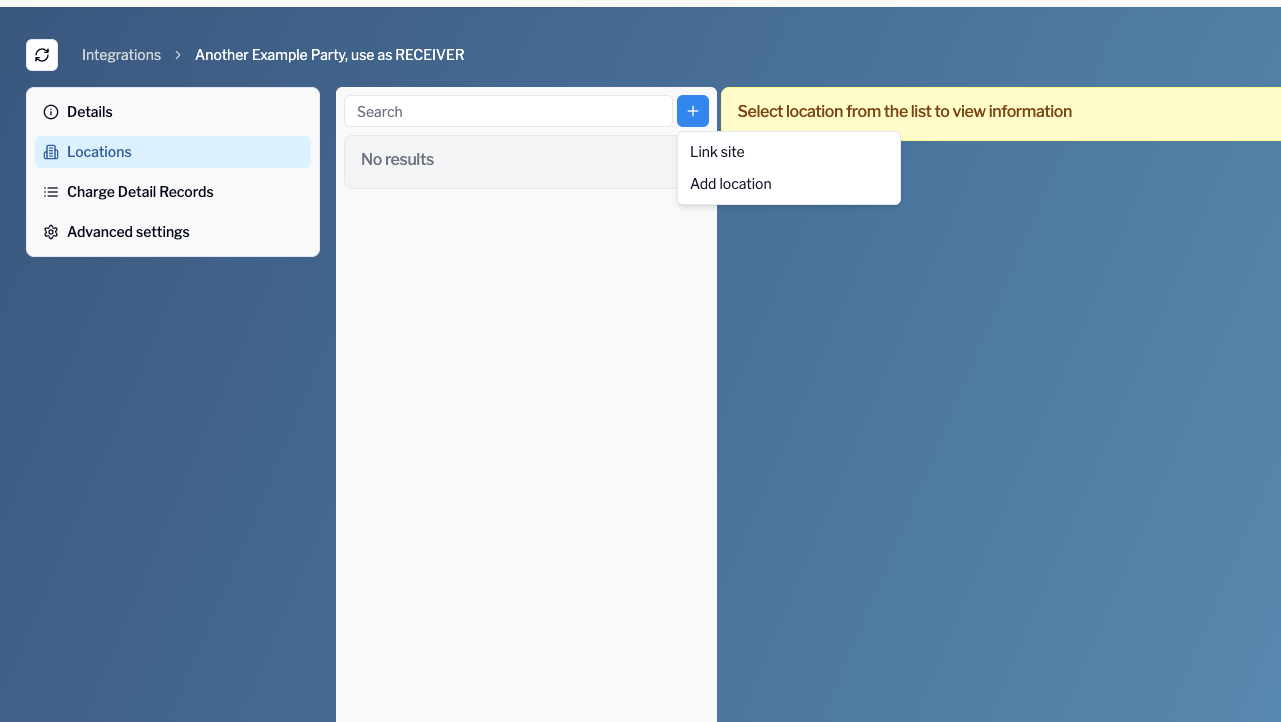
Once your OCPI integration is ready, you can link existing sites:
-
Go to the Locations tab in the integration
-
Click Link site
-
Choose the site and click Save
-
If you don’t want to link sites, you can create locations from scratch by choosing Add location
-
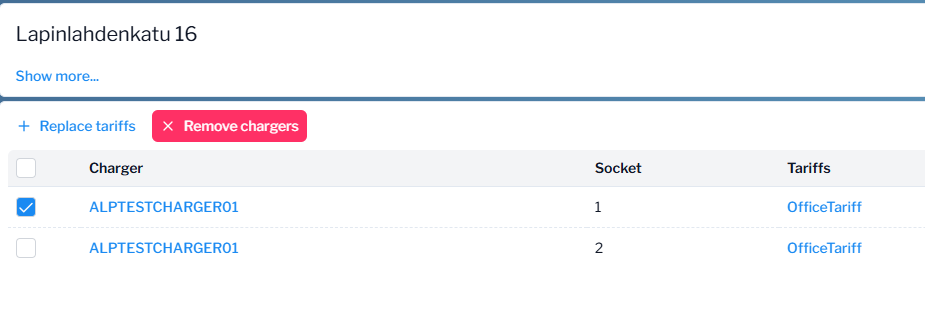
To add chargers to the new location, click Add chargers and choose the chargers you want to connect to this OCPI partner.
-
To set tariffs to chargers/sockets, choose the chargers/sockets in question and then click Replace tariffs
Required Site Fields
-
Address
-
City
-
Country
-
Coordinates (lat/lon)
-
Timezone
Required Charger Fields
-
EVSE ID
-
Enable "Split EVSE by Socket" (if multiple sockets)
-
Socket details for each socket:
-
Type
-
Format
-
Power type
-
Max voltage & amperage
-