
eMabler fully supports Open Charge Point Interface (OCPI) for interoperability with third-party platforms such as roaming hubs, eMSPs, and sub-CPOs. eMabler supports versions 2.1.1, 2.2 and 2.2.1. Version to be used is agreed with third-parties but 2.2.1 is used if possible.
Prerequisites
Before creating an OCPI integration:
-
Set your Country Code (e.g., FI) and Party ID (e.g., EMB) in Customer Details
-
The combination must be unique — confirm with your integration partner to avoid conflicts
Creating an OCPI Integration
-
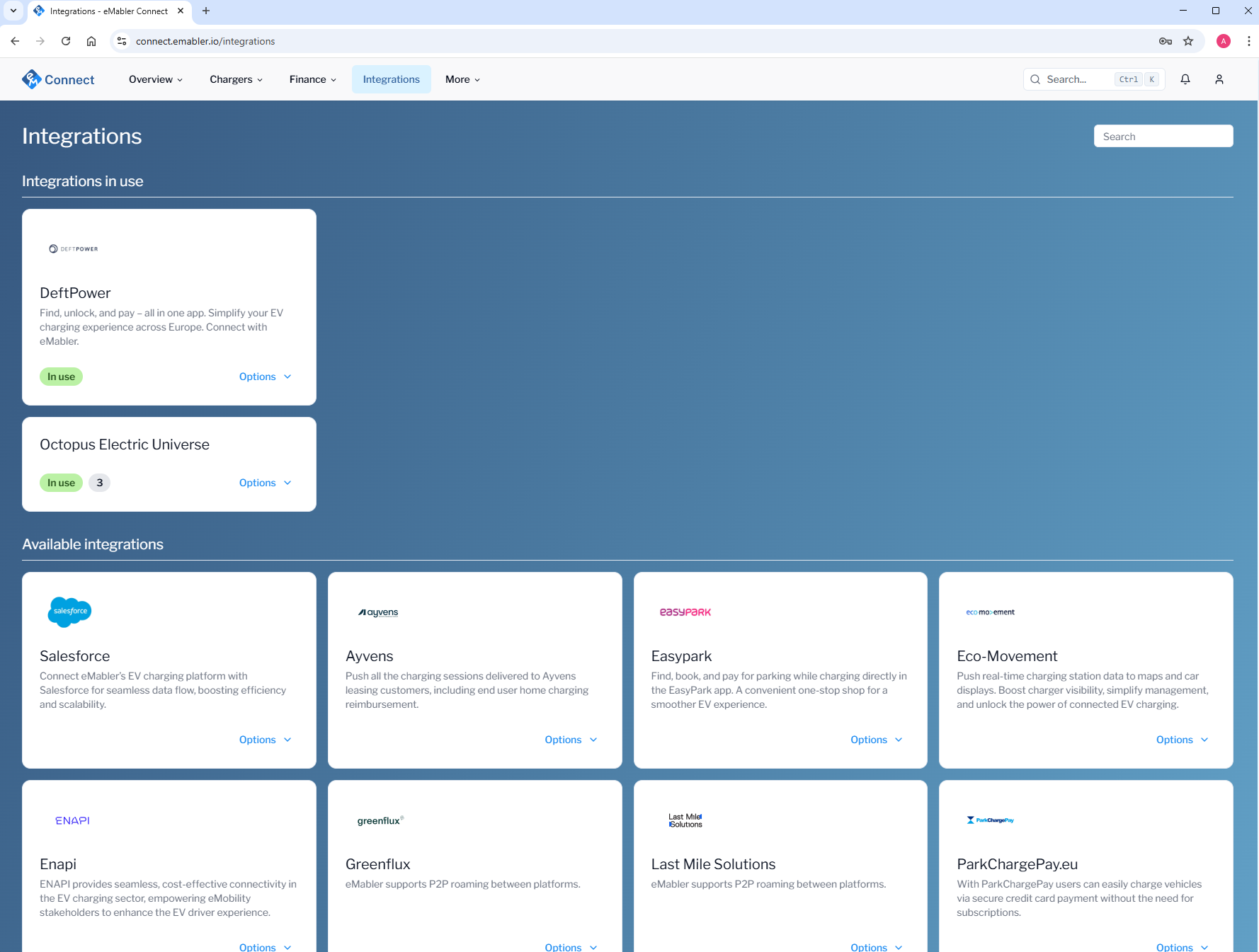
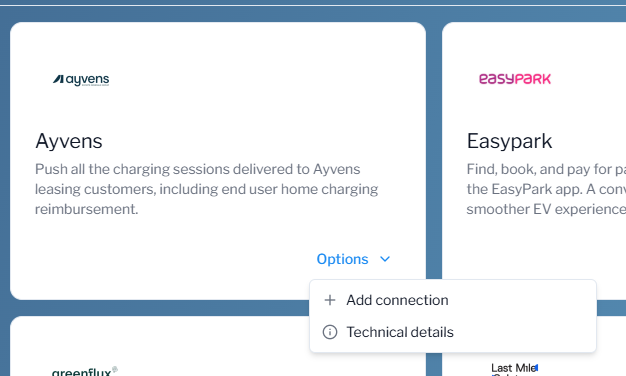
Go to Integrations → Click Options → Select Add Connections
-
Choose your role according to what you have agreed with the roaming partner:
-
Sender or Receiver
-
As the sender, you should get the token A from the roaming partner. If you don’t know the token A, please contact the roaming partner.
-
As the receiver, you should provide token A to the roaming partner, who will then initiate the connection. You can generate a token by clicking the button below.
-
-
Authorization key (Token A)
used only when creating connection. After the integrations status Active, it is not used anymore.
-
-
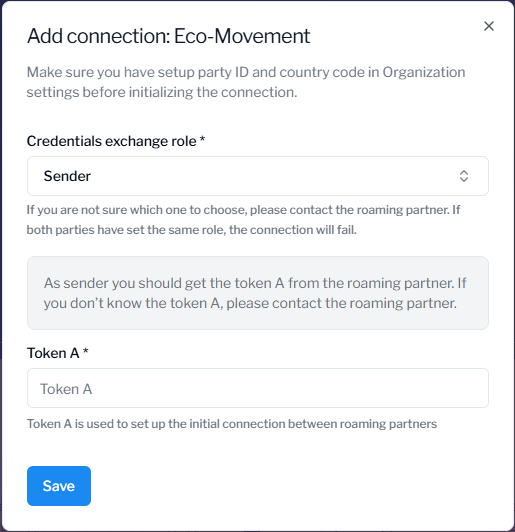
Click Save.
-
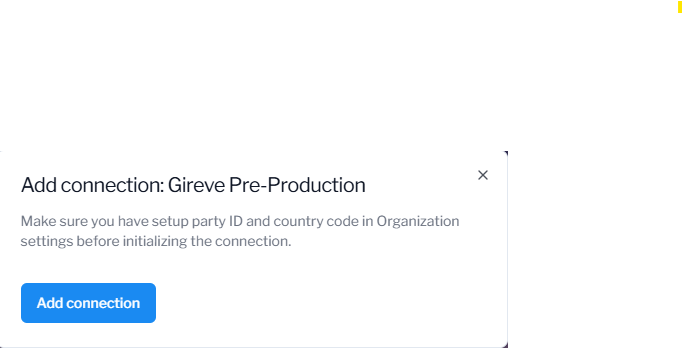
→ If an integration partner offers possibility to reuse an existing connection, after choosing the Integration Partner you see only the following view. Be sure that you have signed up an agreement beforehand with the roaming partner
-
When integration status has changed to Active, you can go on with advanced settings and locations.
-
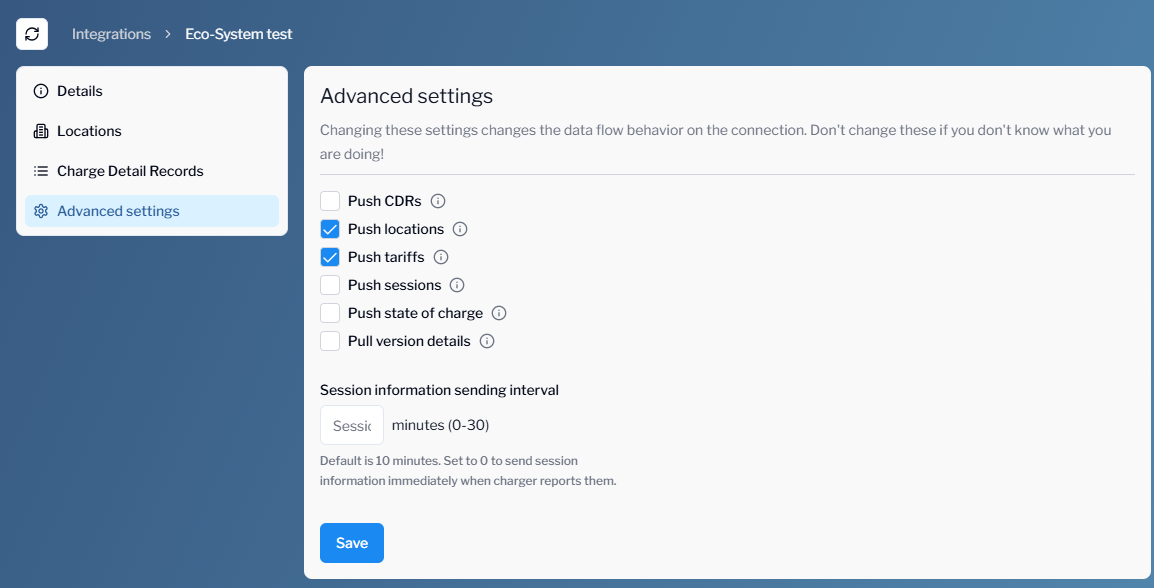
Configure advanced settings according to what you have agreed with the roaming partner. Choose data objects that you will push to the partner online. If the partner wants to pull the data themselves, then you can leave the fields unchecked. ‘Session information sending interval’ tells how often meter values are pushed during charging sessions.
-
Next connect Locations(Next page)